
| Name | InkSplit |
|---|---|
| What it does | Online color separation software for screen printers that runs in the browser: simulated process, spot color and CMYK process separations. |
| Kind of tool | Art, separations and proofs |
| Works with | Screen printing (simulated process, spot color, CMYK process). Runs in the browser with no plugins or downloads. No integrations are named on the pages read. |
| Price as listed | Starter free, pay as you go, 20 credits to start. Creative $19 per month (200 credits). Studio $49 per month (600 credits). Print Pro $99 per month (unlimited). A job costs 10 credits. |
| Free trial or free tier | 30 credits to try it free, shown as a Special Trial Offer. |
| Built by | InkSplit. No company or person is named as the maker on the pages read. |
| Year launched | not stated on their site |
| Getting your data out | not stated on their site |
| Last sign of activity | 2026-09-25, blog post published, from the blog RSS feed |
| Last checked | September 27, 2026 |
| Link to the maker | inksplit.com |
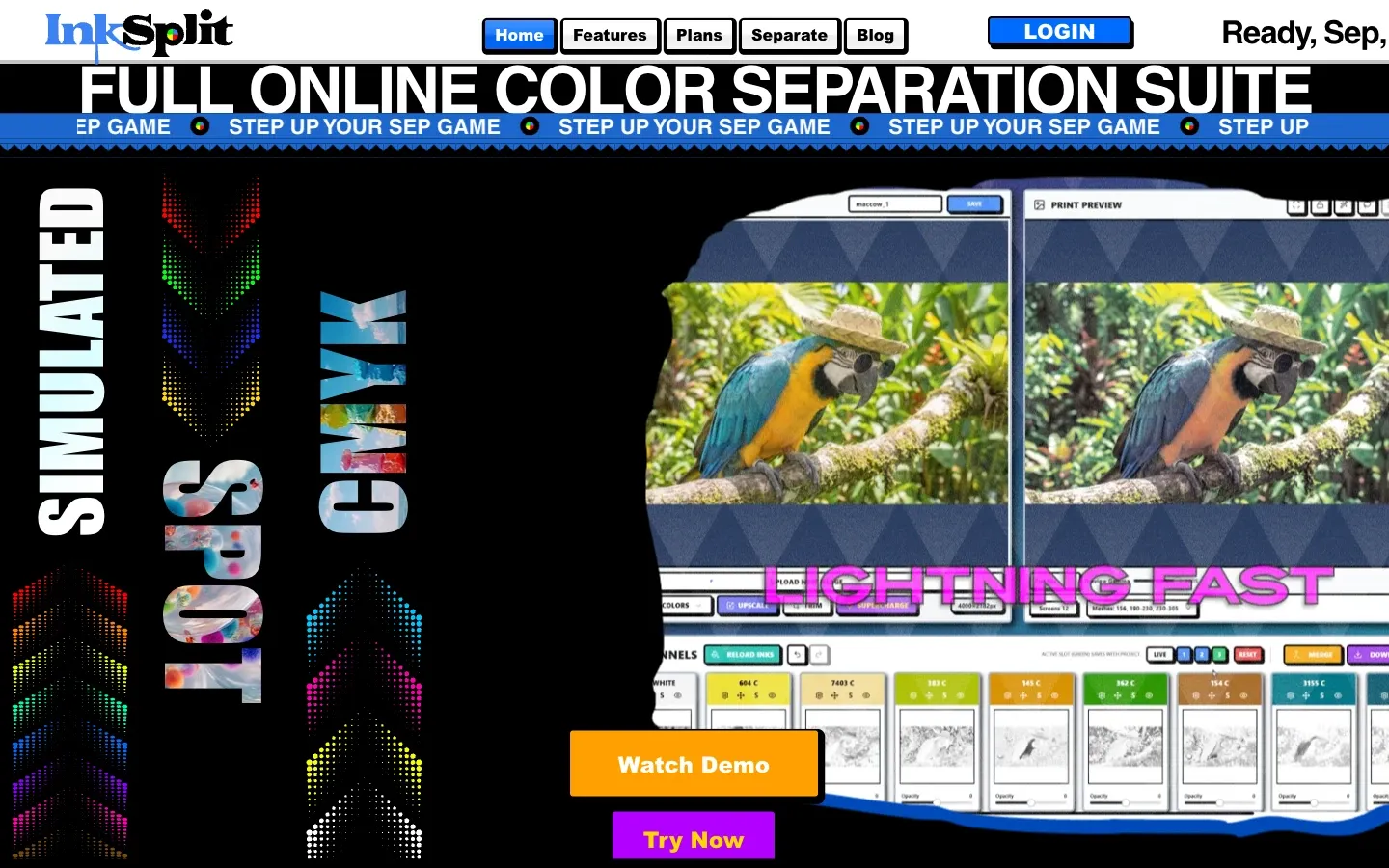
InkSplit is color separation software for screen printers that runs in a web browser, with no plugin and nothing to install. It makes simulated process, spot color and CMYK process separations, and the maker says it uses the computer’s graphics card to do the work.
How it works
Artwork goes into a project, which can be named, saved and reopened later for revisions or a repeat order. Before separating, the image can be resized up to 4,000 pixels on its longest side and trimmed, unwanted colors and solid backgrounds can be removed, and a one-click pass the maker calls SuperCharge sharpens edges and strengthens color.
After the separation, each plate can be edited: recolored, cleaned up, duplicated, merged with others, or given detail added from another plate or subtracted from it. Opacity can be set for any single plate. The underbase settings cover strength, opacity and choke, and with Live Update switched on they apply to the preview and the output as they are changed. The maker also lists a highlight white control, halftone gain, palette extraction in LAB color, lasso and magic wand selection, and side by side comparison of separations.
What it costs
It runs on credits. A separation job costs 10 credits and allows unlimited variations inside that job, and a single channel download costs 3. The free Starter plan begins with 20 credits and more are bought as needed. Creative is $19 a month for 200 credits. Studio is $49 a month for 600 credits and adds a built-in RIP. Print Pro is $99 a month for unlimited credits and logins for a team. The home page offers 30 free credits to try it.
Who makes it
The site names no company or person as the maker.
Getting your data out
The pages read do not say what format the separations download in, or whether uploaded artwork is kept. The plans page does warn that Photoshop 27.10 reads DCS and EPS files incorrectly, and recommends version 27.9.1 or earlier for now.
Written from the maker’s own pages. I have not made an account or run a job in it.