
| Name | PrintGrid |
|---|---|
| What it does | Calculates what to charge for decoration jobs from your real costs, as a pricing matrix by quantity and complexity. |
| Kind of tool | Quoting and pricing |
| Works with | Screen printing, embroidery, DTF, DTG, HTV, large format and stickers, as the FAQ lists them. No integrations stated: it runs in the browser and the quote is entered into whatever system the shop uses. |
| Price as listed | $99, one-time payment. No subscription. |
| Free trial or free tier | No free plan or free trial stated. 14-day money-back guarantee. A free overhead checklist PDF is offered for an email address. |
| Built by | Ryan Lamb, the screen printer who writes this list, with 25+ years on the production floor. |
| Year launched | not stated on their site |
| Getting your data out | Nothing stored. It runs in the browser, and the full config exports to JSON. |
| Last sign of activity | 2026-08-23, blog post: Embroidery pricing is not screen printing pricing, and the gap is real money |
| Last checked | October 5, 2026 |
| Link to the maker | printgrid.ink |
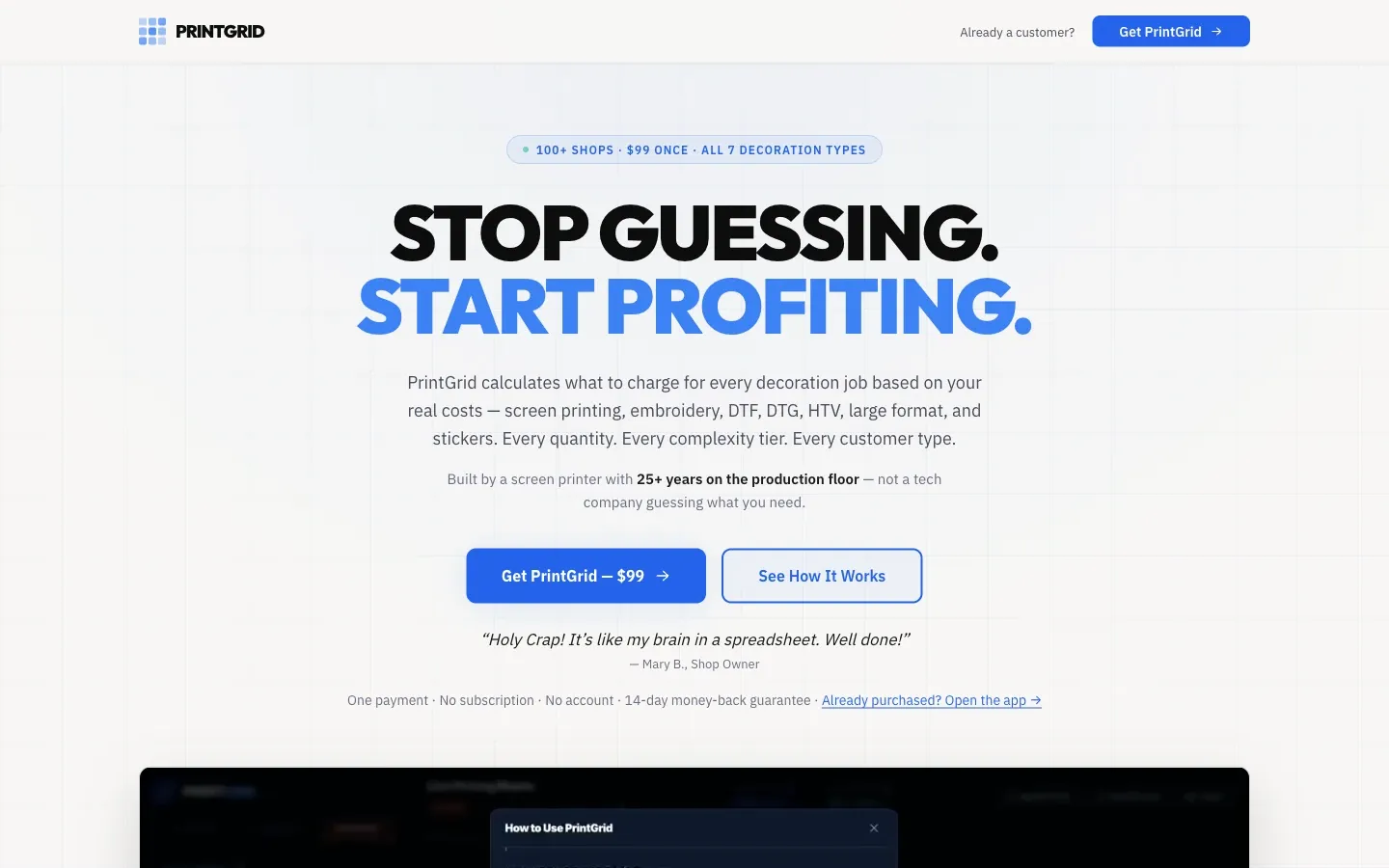
PrintGrid is a pricing tool for decoration shops. It works out what to charge from what the shop actually spends: overhead, payroll, materials and how fast the shop produces. The result is a full pricing matrix, a price for every quantity and every complexity tier at once, rather than one quote at a time.
How it works
Setup is three steps on the maker’s page. Enter the shop’s costs, or start from a shop-size preset when those are not known yet. Set margins, with three profiles for three kinds of customer: standard, wholesale and contract. The matrix then fills in, shaded from competitive to elevated, and hovering over a price shows its setup cost, run cost, flash cost and profit per piece.
It covers seven decoration types: screen printing, embroidery, DTF, DTG, HTV, large format and stickers, each with its own cost model. Embroidery is priced by stitch count, DTF by cost per transfer and large format by square foot. Screen printing uses an hourly rate loaded with the shop’s overhead, and the other methods use cost plus: direct labor and a markup on materials. A shop running several methods can turn on Multi-Service Mode, which splits overhead across them by the time each one takes rather than by the revenue each brings in. A panel called Shop Check compares the prices against the shop’s monthly costs and shows green or red.
The maker’s FAQ draws the line plainly: PrintGrid works out what to charge, and the quote then goes into whatever system the shop runs on.
What it costs
$99, paid once. No subscription and no account, with future updates included. There is no free plan or trial. There is a 14-day money-back guarantee, and a free overhead checklist is offered for an email address.
Who makes it
I do. PrintGrid’s site describes its maker as a screen printer with more than 25 years on the production floor, and its blog carries my name.
Getting your data out
PrintGrid runs in the browser, and the maker says the pricing data is never uploaded. The whole setup exports to a JSON file for a backup or a move to another computer.
I make PrintGrid, so it is the one tool on this list I have used. This page is written from its public pages the same way as every other page here, and it gets no place or link the others do not.